SpecsIntact Explorer View

The SI Explorer provides a familiar environment in which to work with your Jobs and Masters. The menus and toolbar at the top of the screen give you access to the commands and functions you need for creating, editing, and producing your finished specifications.
To learn more about any area of the SI Explorer screen, click that area on the graphic below:
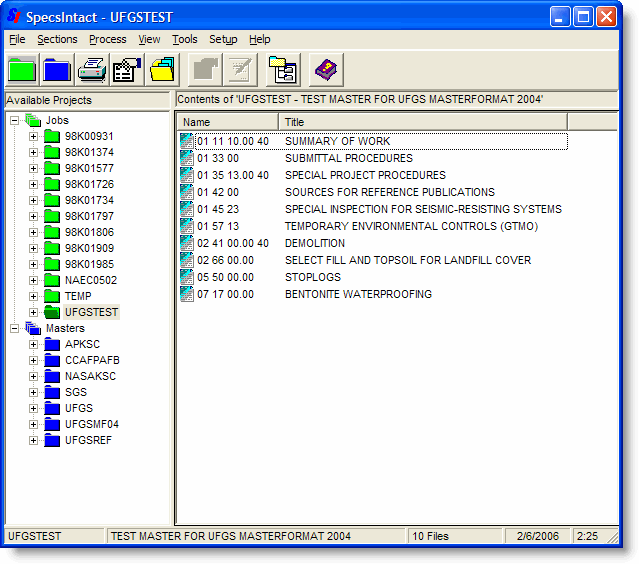
The SI Explorer provides the drag-and-drop capability for adding Sections to your Jobs and local Masters. This includes the ability to drag-and-drop, or copy and paste, Sections from Windows Explorer into the SI Explorer to add to a Job or Local Master. You can also add PDF files the same way.
Icon colors for folders and files may be changed from the right-click menu, allowing you to set up your own color-coding system for managing your projects.
Clicking on the column headers in the right pane allows you to sort your documents by those categories. Column headers may be changed from the View | Column Headers command.